How to Geotag Photos on iPhone?
Sometimes, when you were on a trip, you may want to geotag photos to save your memory. now you can learn how to make it.
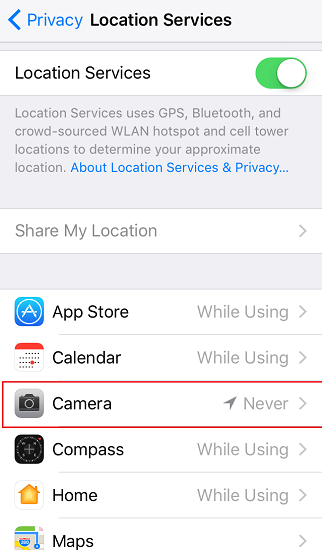
Step 1. Tap Settings app on home screen, navigate to Privacy > Location Services, tap Camera. It's on Never status by default.
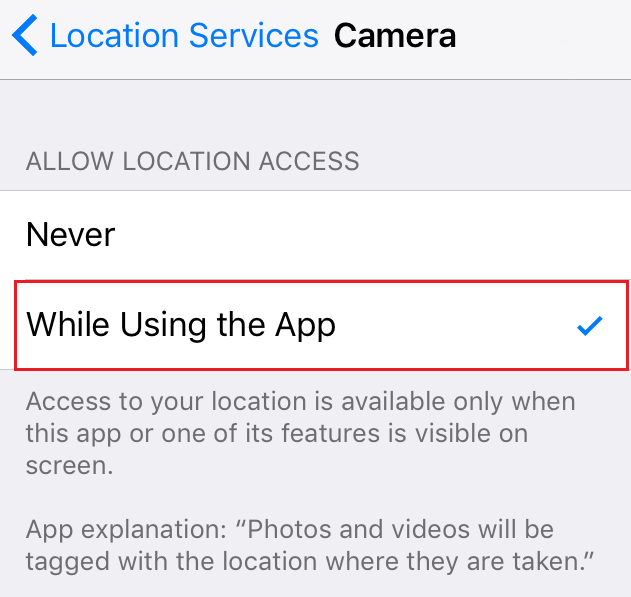
Step 2. Tap While Using the App, then you are able to geotag photos