


How to Bypass A155F FRP Lock on Samsung (Galaxy A15)
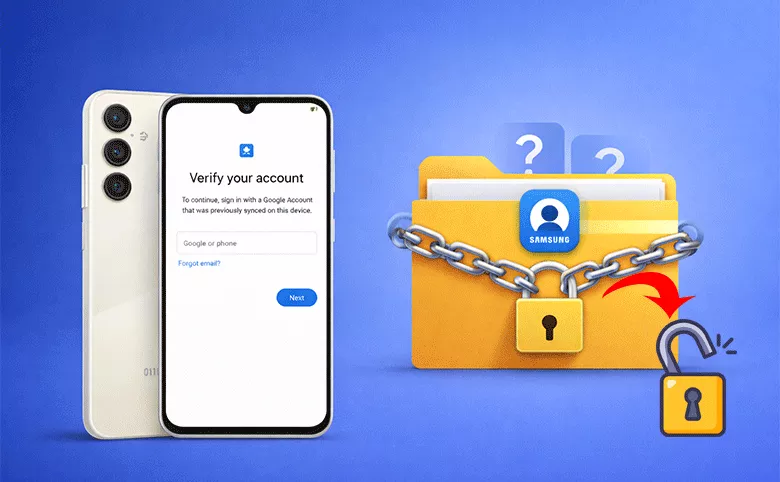
Factory Reset Protection (FRP) is a built-in Android security feature designed to protect your device and personal data. However, if you reset your Samsung Galaxy A15 (model A155F) and forget the previously linked Google account, FRP can lock you out of your own phone. This guide explains what FRP is, why the A155F gets locked, and the most effective ways to bypass Samsung A155F FRP safely and legally.
- How toBypass A155F FRP Lock on Samsung
- What Is FRP Lock on Samsung A155F?
- Why Samsung A155F Gets FRP Locked
- Methods to Bypass Samsung A155F FRP Lock
- FAQs on Samsung A155F FRP Bypass
What Is FRP Lock on Samsung A155F?
FRP (Factory Reset Protection) is automatically enabled when: A Google account is added to the device; A factory reset is performed without removing the account first.
After the reset, the phone requires: The previous Google account email and password; Without this information, the Samsung A15 remains locked.
Why Samsung A155F Gets FRP Locked
Common reasons include:
- Forgot Google account credentials
- Get a second-hand phone with the Google account activated
- Reset the phone without signing out of Google
- Screen lock issues forced a reset
Methods to Bypass Samsung A155F FRP Lock
1. Recover the Original Google Account (Recommended)
Before attempting any bypass method, try account recovery. You can get an accessible devices and visit Google Account Recovery webpage. After that, use the email or phone number linked to the device. Finally, you can reset the password after 24–72 hours if Google requests verification.
2. Use Samsung's Official Support (Proof Required)
If you can prove ownership, just contact Samsung support. In this way, you need to provide proof of purchase (receipt or invoice). Then request FRP removal assistance.
3. Use Professional FRP Unlock Tools (PC-Based)
The above methods can be used to bypass A155F FRP Samsung lock without PC. Here is a PC-based method. Some PC software tools are designed to remove FRP locks on Samsung devices, including A155F. Cocosenor Android Passcode Tuner is one of such Samsung FRP unlock tools which can help to bypass FRP Samsung lock on all Samsung models.
Step 1: Install Cocosenor Android Password Tuner on a PC. Then connect Samsung A15 via USB.
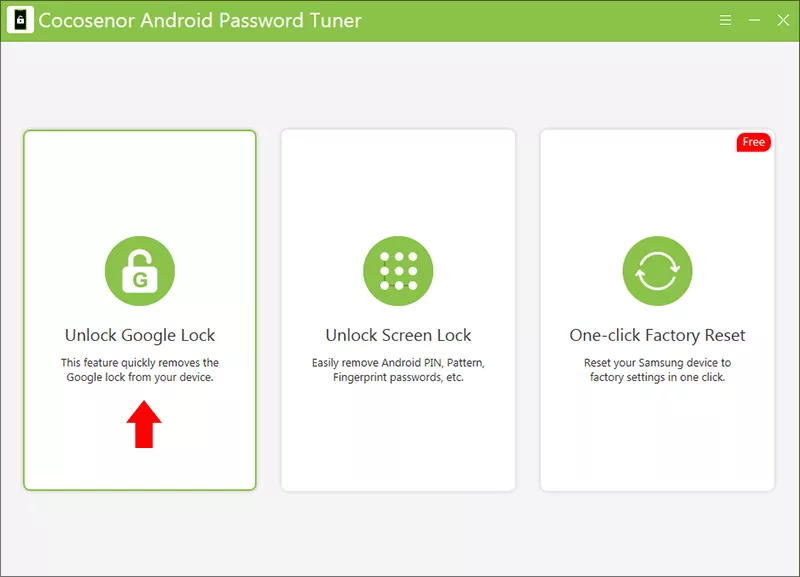
Step 2: Run the software and choose Unlock Google Lock option.
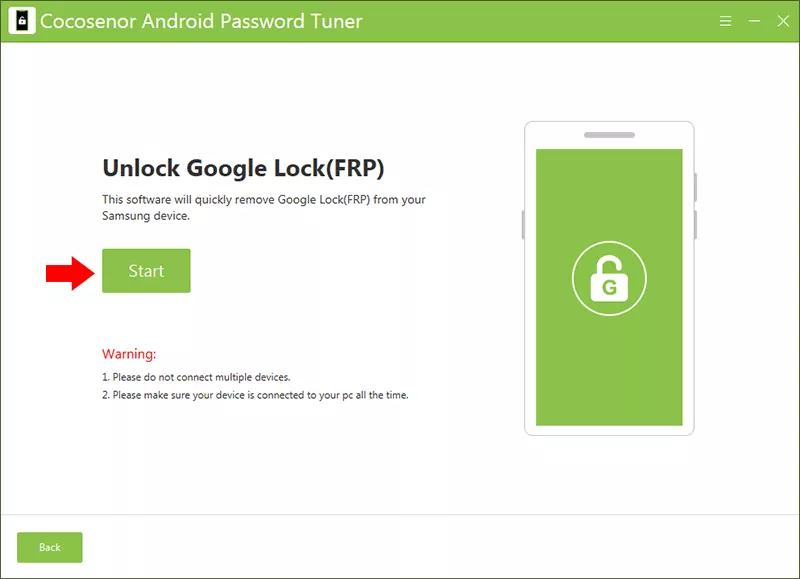
Step 3: Hit the Start button to proceed.
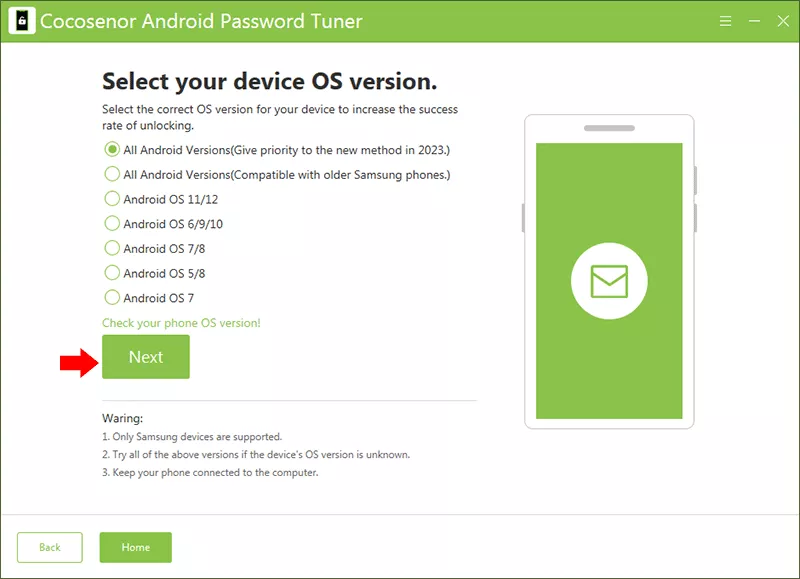
Step 4: Select the Android OS version of your Samsung A15, then click the Next button to proceed.
Step 5: Follow the on-screen instructions to make your Samsung phone on diagnostic mode.
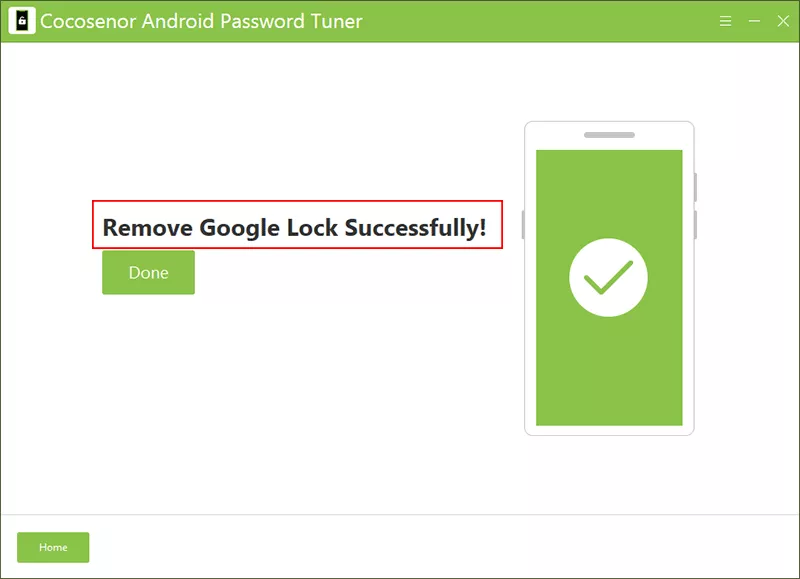
Step 6: When you see the message "Remove Google Lock Successfully" on the software interface, the Samsung A15 restarts. Now you can set it up without Google Lock.
4. Samsung Smart Switch / Emergency Restore (Limited Cases)
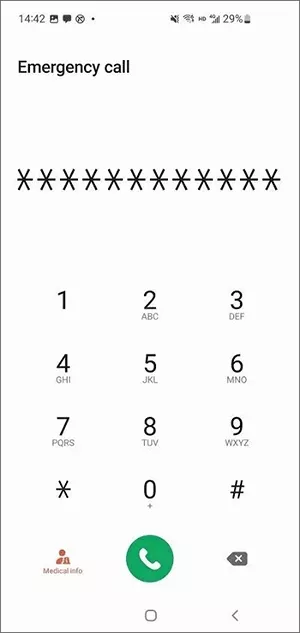
In some firmware versions, Smart Switch can restore the device. FRP check may be skipped if firmware matches. But it does not work on all security patches.
FAQs on Samsung A155F FRP Bypass
1. What is FRP on Samsung Galaxy A15?
FRP is a security feature that requires the previously synced Google account after a factory reset.
2. Can FRP be removed without a PC?
In most cases, a PC is required, especially on newer Android versions with updated security patches.
3. Does factory reset remove FRP lock?
No. A factory reset actually triggers FRP, not removes it.
4. Which Android versions does A155F run?
The Samsung Galaxy A15 (A155F) typically runs Android 13 or later, depending on updates.
Conclusions:
Bypassing the Samsung A155F FRP lock can be frustrating, but it's manageable if you understand your options. The safest approach is always Google account recovery or Samsung support. If those fail, professional FRP unlock tools, such as Cocosenor Android Password Tuner may help. With the right method, you can regain access to your Samsung Galaxy A15 and avoid FRP issues in the future.



